
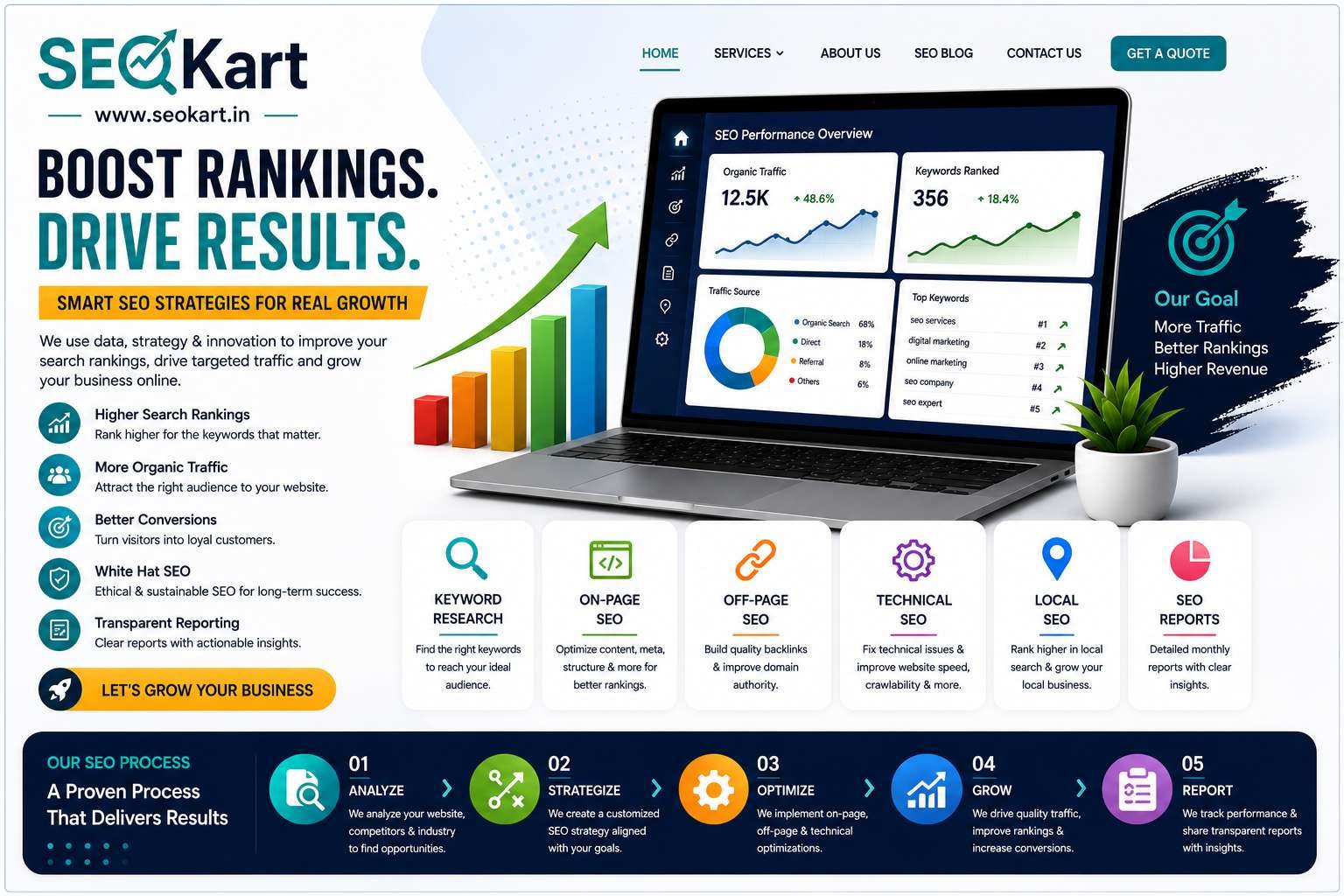
On-page SEO is one of the most important aspects of search engine optimization. It involves optimizing individual web pages to improve rankings, increase organic traffic, and provide a better user experience.
Many businesses focus heavily on backlinks and content marketing while overlooking basic on-page SEO elements that can significantly impact search performance.
If you want your website to rank higher on Google in 2026, this on-page SEO checklist will help ensure every page is properly optimized.
What Is On-Page SEO?
On-page SEO refers to all optimization activities performed directly on your website.
These include:
- Content optimization
- Keyword placement
- Title tags
- Meta descriptions
- Internal linking
- Image optimization
- User experience improvements
Unlike off-page SEO, which focuses on external factors such as backlinks, on-page SEO gives you direct control over your website's performance.
Why On-Page SEO Matters
Proper on-page optimization helps search engines understand your content and determine whether it is relevant to a user's search query.
Benefits of strong on-page SEO include:
- Higher rankings
- Better click-through rates
- Improved user experience
- Increased website traffic
- Higher conversion rates
Even small improvements can lead to noticeable ranking gains over time.
1. Perform Proper Keyword Research
Every page should target a primary keyword and a few related keywords.
Before creating content:
- Identify search intent
- Analyze competitor pages
- Choose relevant keywords
- Focus on achievable keyword opportunities
Keyword research forms the foundation of successful on-page SEO.
2. Optimize the Page Title
The title tag is one of the most important ranking factors.
A good title should:
- Include the primary keyword
- Be clear and descriptive
- Encourage clicks
- Stay within recommended length limits
Example:
On-Page SEO Checklist for Every Business Website | SEOKart
3. Write an Engaging Meta Description
Meta descriptions help convince users to click on your result.
A strong meta description should:
- Include the target keyword
- Explain the page value
- Encourage action
- Remain concise and informative
While not a direct ranking factor, better click-through rates can positively impact SEO performance.
4. Use Proper Heading Structure
Headings help organize content for both users and search engines.
Use:
- One H1 heading
- Multiple H2 headings
- Supporting H3 headings when necessary
A clear structure improves readability and content understanding.
5. Include Keywords Naturally
Your primary keyword should appear naturally within:
- Title tag
- URL
- Introduction
- Headings
- Body content
- Conclusion
Avoid keyword stuffing.
Focus on writing for people first and search engines second.
6. Create High-Quality Content
Google rewards content that provides genuine value.
Quality content should:
- Answer user questions
- Be informative
- Be well-structured
- Be easy to read
- Be updated regularly
Long-form content often performs well when it thoroughly covers a topic.
7. Optimize URLs
Keep URLs short, descriptive, and keyword-focused.
Good Example:
yourwebsite.com/on-page-seo-checklist
Poor Example:
yourwebsite.com/page?id=12345
Simple URLs are easier for users and search engines to understand.
8. Add Internal Links
Internal links help distribute authority throughout your website.
They also:
- Improve navigation
- Increase page views
- Help search engines discover content
- Strengthen topic relevance
Link related blog posts, service pages, and important website sections wherever appropriate.
9. Optimize Images
Images improve user engagement but should also be optimized.
Best practices include:
- Compress image sizes
- Use descriptive file names
- Add ALT text
- Choose modern image formats
Optimized images help improve page speed and accessibility.
10. Improve Page Speed
Website speed directly affects user experience and SEO.
To improve speed:
- Compress images
- Use caching
- Minimize code
- Choose reliable hosting
- Reduce unnecessary plugins
Fast websites generally perform better in search results.
11. Ensure Mobile Friendliness
Google primarily uses mobile-first indexing.
Your website should:
- Load properly on mobile devices
- Be easy to navigate
- Display content correctly
- Provide a seamless user experience
Mobile optimization is no longer optional.
12. Use Schema Markup
Schema markup helps search engines better understand your content.
Common schema types include:
- Organization
- Local Business
- FAQ
- Article
- Review
Proper schema implementation may improve visibility in search results.
13. Add a Strong Call to Action
Every page should guide visitors toward a desired action.
Examples include:
- Contact Us
- Request a Quote
- Schedule a Consultation
- Learn More
A clear call to action can improve conversions and lead generation.
14. Regularly Update Content
SEO is not a one-time task.
Review and update content periodically to:
- Maintain accuracy
- Improve relevance
- Add new information
- Target additional keywords
Fresh content often performs better over time.
15. Monitor Performance
Use tools such as:
- Google Search Console
- Google Analytics
- SEO auditing tools
Track:
- Rankings
- Traffic
- Click-through rates
- User engagement
Data-driven decisions lead to better SEO results.
Complete On-Page SEO Checklist
Before publishing any page, ensure you have:
✔ Targeted a primary keyword
✔ Optimized the title tag
✔ Written a meta description
✔ Used proper headings
✔ Added internal links
✔ Optimized images
✔ Improved page speed
✔ Ensured mobile friendliness
✔ Included a call to action
✔ Published valuable content
Conclusion
On-page SEO remains one of the most effective ways to improve search visibility and website performance.
By following this checklist, businesses can create pages that are easier for search engines to understand and more valuable for users.
Consistent optimization across every page can lead to higher rankings, increased traffic, and better business results over time.
Frequently Asked Questions
What is on-page SEO?
On-page SEO refers to optimizing elements directly on a webpage to improve search engine rankings and user experience.
Is on-page SEO still important in 2026?
Yes. On-page SEO remains a critical component of any successful SEO strategy.
How often should I update on-page SEO?
Review key pages every few months and update content whenever necessary.
Does page speed affect SEO?
Yes. Faster websites generally provide a better user experience and can perform better in search results.
Can I do on-page SEO myself?
Yes. Many on-page SEO tasks can be implemented without advanced technical knowledge, although professional guidance can help maximize results.