Technical SEO helps search engines reach, understand and index the pages that matter. You do not need to write code to spot the warning signs or ask the right questions. Start with the pages that generate enquiries and revenue.
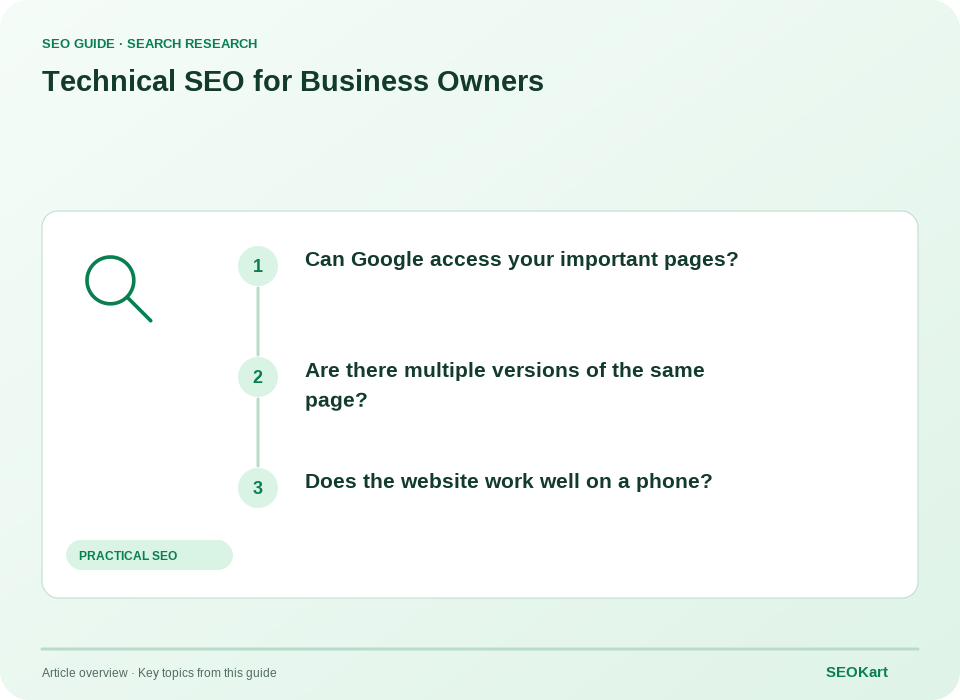
Can Google access your important pages?
Check whether key pages return successfully and are not blocked by an unintended noindex instruction. An XML sitemap helps discovery, but being listed in a sitemap does not guarantee indexing. Google Search Console's Page Indexing report shows which URLs need investigation.
Are there multiple versions of the same page?
HTTP and HTTPS, www and non-www, tracking parameters and old slugs can create competing URLs. Choose the preferred version, link internally to it and redirect retired addresses directly to the final destination. A canonical tag is a hint about the preferred URL, not a substitute for redirects. For more detail on this related topic, see Mobile-First Indexing: What Website Owners Must Check.
Does the website work well on a phone?
Open the site on a real mobile device. Check that navigation, forms, prices and buttons are usable. Test important templates for layout shifts, heavy images and scripts that delay interaction. PageSpeed scores are useful diagnostics, not a substitute for a working customer journey.
What happens when a page moves?
A changed slug should receive a permanent redirect from the old URL. Update internal links, canonical tags and the XML sitemap. Avoid chains where one old address redirects through several intermediate URLs. For measurement and reporting, see Google Analytics 4 for Business Owners: What to Measure.
Are search engines seeing the intended content?
Check rendered HTML for headings, links, visible text and essential service information. If a page depends heavily on JavaScript, make sure important content and links are accessible when search engines render it. For page-experience diagnostics, our Core Web Vitals guide explains what to measure before prioritising performance fixes.
What should you ask your developer?
- Which commercial pages are currently indexed?
- Are any important URLs blocked, redirected incorrectly or marked noindex?
- Do canonical tags and sitemap URLs match the intended final URLs?
- Are there broken internal links or redirect chains?
- Which mobile usability and performance issues affect real visitors?
- What will be checked after the next deployment?
Prioritise by business impact
A broken quote form or accidentally excluded service page deserves attention before cosmetic score improvements. Review Search Console trends alongside enquiries and actual user experience. If you need a documented diagnosis, explore technical SEO services or request an SEO audit.