A Google Business Profile can help customers discover and contact an eligible business through Google Search and Maps. But visibility alone does not pay the bills. The real objective is to help the right person understand your offering and take a useful next step: call, request directions, visit the website or make an enquiry.
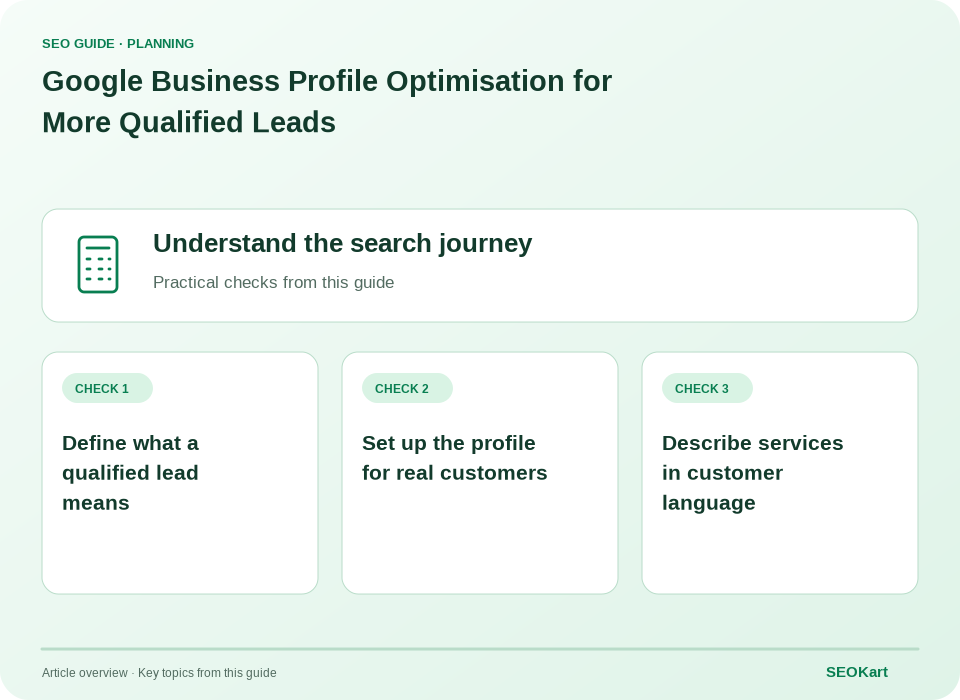
Define what a qualified lead means
For a home-services company, it might be a call from someone within its actual service area. For a B2B agency, it may be a form submission from a decision-maker with a relevant budget. Define the conversion before optimising the profile; otherwise, a rise in profile interactions can hide weak lead quality.
Set up the profile for real customers
Use your genuine business name and appropriate primary category. Complete contact details, hours, service descriptions and website links. Add the address only when it is eligible and accurately represents customer-facing operations. For a service-area business, follow Google's service-area requirements.
Describe services in customer language
Explain what each service includes and who it serves. Replace vague phrases such as “best quality solutions” with specific information about the job, typical scope, coverage and how to request a quotation. Keep prices and offers accurate if you choose to display them.
Use original photographs and useful updates
Real photographs of the premises, team, completed work or relevant equipment can help customers evaluate a business. Ensure you have permission to use them and avoid misleading stock imagery presented as actual projects. Keep hours and service information updated when operations change.
Reduce friction between discovery and enquiry
Test the phone number, website button and landing-page contact form on a mobile device. A profile can attract the right visitor and still fail if the form is broken, the phone is unanswered or the linked page does not explain the service. Match the destination page to the customer's intent. For more detail on this related topic, see Local SEO for Mumbai Businesses: Turn Searches into Leads.
Ask for reviews without manipulating feedback
Invite genuine customers to share their experience. Do not offer rewards for positive ratings or selectively request reviews only from happy customers. Reply to feedback respectfully and address recurring service problems internally. Authenticity matters more than a perfect-looking rating.
Track outcomes from profile traffic
Use Google Business Profile performance for profile interactions. Use tagged website links where appropriate, and measure calls, forms and qualified opportunities through your own analytics and CRM processes. Interpret direction requests carefully: they may be irrelevant for service-area businesses.
Monthly Google Business Profile maintenance
| Check | What to do |
|---|---|
| Business information | Confirm hours, phone and website are correct |
| Services | Update changes to offerings and coverage |
| Reviews | Respond and learn from recurring feedback |
| Website | Test calls and enquiry forms on mobile |
| Leads | Review quality, not just interaction totals |
Profile optimisation is part of a larger local strategy
Business Profile work supports, but does not replace, a useful website, authentic reputation and accurate business information. For ranking mechanics, read our Google Maps ranking guide. For the wider implementation plan, see the small-business local SEO checklist.
SEOKart offers local SEO services for businesses that want to improve visibility and measure enquiries. Discuss your local lead-generation goals.