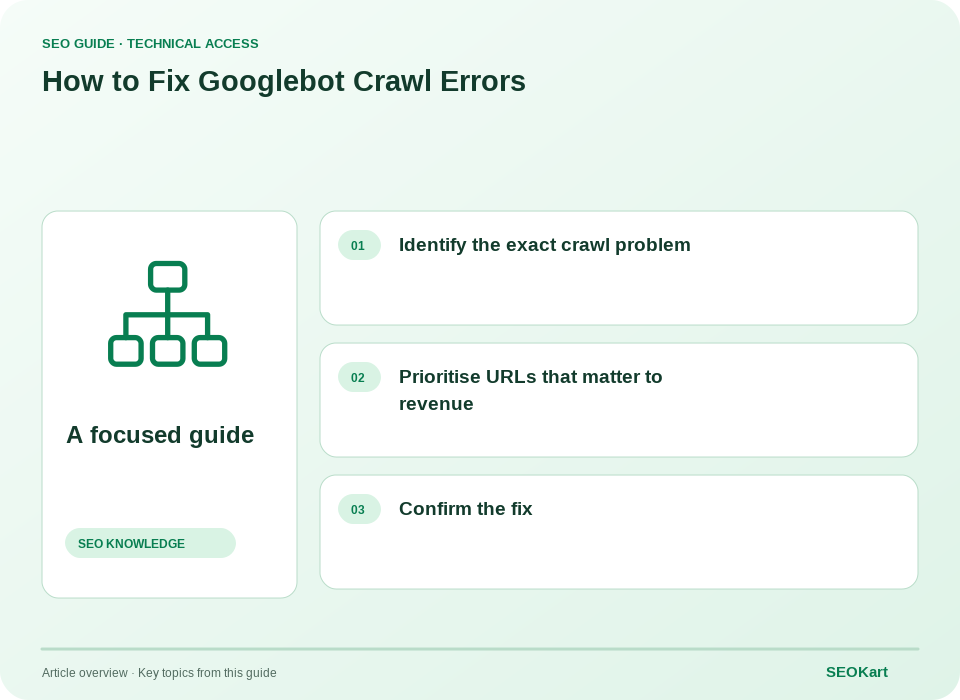
When Googlebot cannot retrieve an important page, its content may not be discovered or refreshed as expected. The first step is to identify the affected URL, the response Google received and whether the URL should exist at all.
Identify the exact crawl problem
Open Google Search Console and inspect the affected URL. Compare the Page Indexing report with the URL Inspection result, then check your server access logs for Googlebot requests. A live test shows the current response, not necessarily what Google received on its last crawl.
404 and 410 responses
If a page was permanently removed without a replacement, a genuine 404 or 410 is appropriate. If a page moved, redirect its former URL directly to the closest equivalent page with a 301 response. Do not redirect every missing URL to the homepage. For more detail on this related topic, see How Often Does Google Crawl a Website?.
5xx server errors and timeouts
Check application errors, PHP logs, resource limits and hosting availability. Confirm that the affected URL consistently returns HTTP 200 before requesting another inspection.
Redirect loops and long chains
Test HTTP and HTTPS plus www and non-www variants. Keep one preferred canonical hostname and redirect old addresses directly to the final URL.
Robots.txt and access restrictions
Check that robots.txt does not disallow important pages or required assets. Verify that security rules, rate limits and bot challenges are not blocking legitimate Googlebot requests. A robots.txt block prevents crawling; it is not a reliable way to remove a URL from Google's index. For more detail on this related topic, see Google Rankings Dropped? A Practical Diagnosis Guide.
Prioritise URLs that matter to revenue
Start with the homepage, key technical SEO services pages, product and service landing pages, and URLs linked from navigation. Then resolve broken internal links and update the XML sitemap to list only preferred, indexable URLs. If crawl access is resolved but pages remain absent from search, follow our guide to pages Google is not indexing.
Confirm the fix
Retest the final URL, verify its canonical and status code, and monitor subsequent crawls in Search Console. A successful live test does not guarantee indexing or rankings.