Manage ecommerce filter URLs, canonical tags and crawl paths without hiding valuable product categories.
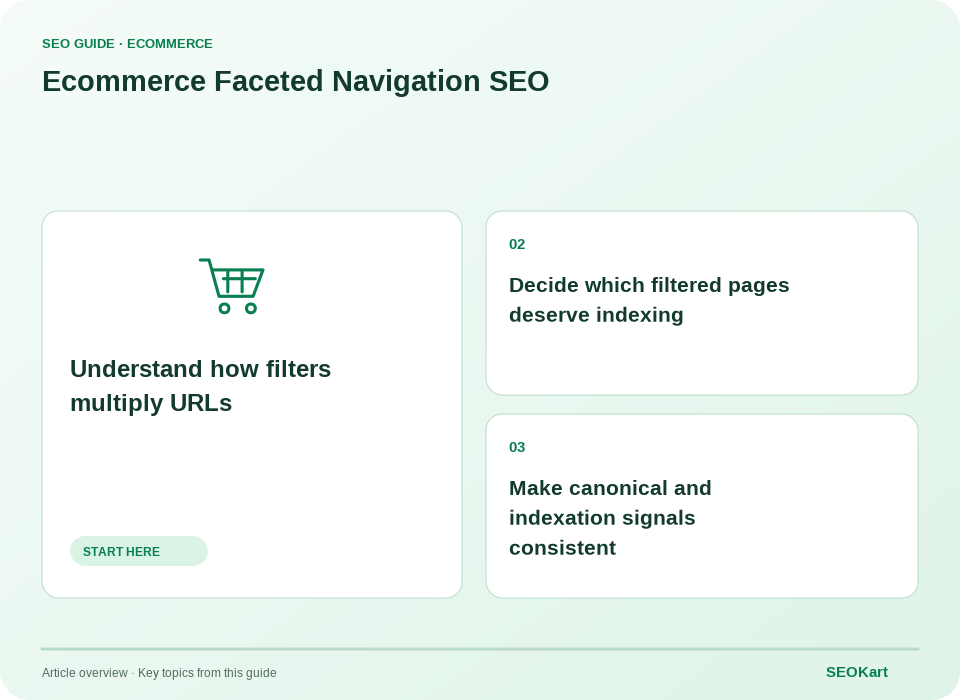
Understand how filters multiply URLs
A category with filters for brand, size, colour, price and availability can produce thousands of combinations. Many combinations are useful for shoppers but do not deserve separate search results. Inventory the URL patterns generated by filtering, sorting, pagination and tracking parameters before changing crawl rules.
Decide which filtered pages deserve indexing
Choose indexable combinations based on distinct customer demand, adequate inventory and the ability to provide a useful landing page. For example, a popular brand-and-category combination may deserve a stable URL, while a temporary price sort rarely does. Avoid creating hundreds of nearly identical landing pages merely to capture keyword variants.
Make canonical and indexation signals consistent
Canonical tags should identify the preferred equivalent URL, not serve as a universal solution for unrelated pages. Decide when a filtered URL should be canonicalised, noindexed or kept indexable. Remember that robots.txt blocking can prevent crawlers from seeing page-level canonical or noindex instructions. Review the canonical tags guide before rollout. For more detail on this related topic, see Ecommerce SEO: A Practical Guide for Online Stores.
Keep product discovery possible
Do not accidentally remove crawlable routes to important products. Category pages should provide accessible HTML links and meaningful pagination or other discoverable navigation. Test whether products remain reachable without relying entirely on JavaScript-driven filters or internal search.
Avoid crawl traps and empty combinations
Review server logs and Search Console for repeated crawling of parameter variants, infinite combinations and empty results. Handle out-of-stock and zero-result pages deliberately, and avoid publishing filter pages with no useful inventory. See the crawl errors guide for diagnosis. For broader category and product-page optimisation, explore our ecommerce SEO services in India.
Validate with a staged release
Test representative URLs before and after deployment: primary categories, approved filter landing pages, non-indexable combinations and product detail pages. Check rendered canonical tags, status codes, internal links and XML sitemap entries. Measure indexed URL quality and organic category revenue, not just a drop in crawl counts.