Learn how HTTPS supports website trust, and how to check SSL certificates, 301 redirects, canonical URLs and mixed content.
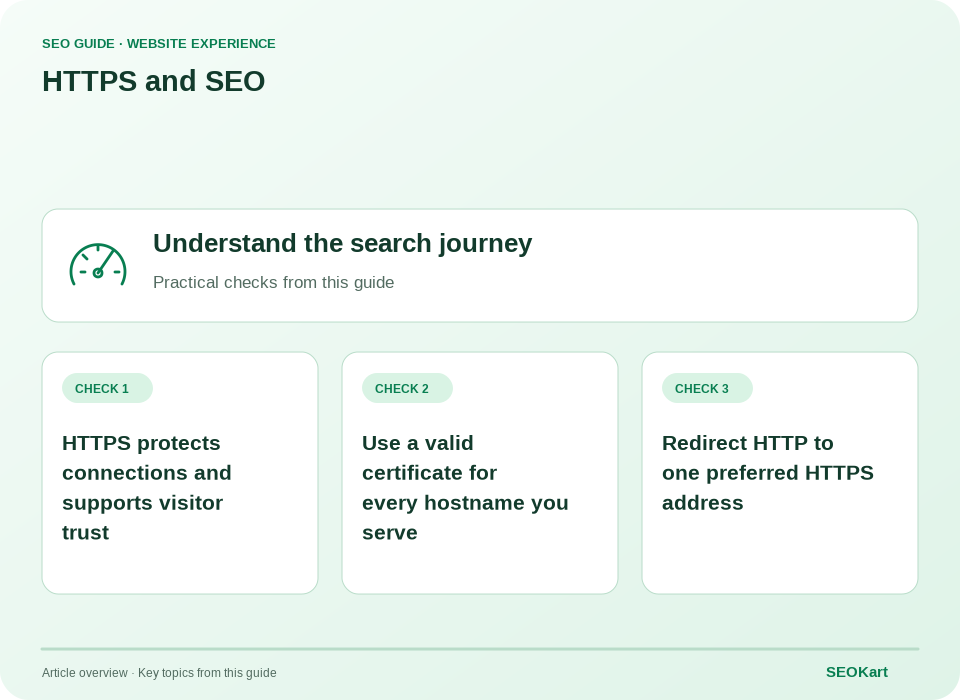
HTTPS protects connections and supports visitor trust
HTTPS encrypts traffic between a browser and a website, helping protect information sent through forms and sessions. Google has described HTTPS as a lightweight ranking signal, but installing a certificate will not compensate for irrelevant content or broken pages. The practical priority is a secure, consistent website that customers and crawlers can access without warnings.
Use a valid certificate for every hostname you serve
Confirm the certificate covers the apex domain and any www hostname that visitors might use. Check expiration, renewal and certificate-chain errors. A browser warning on a contact or payment page can damage confidence even when other pages work. Certificate installation is only the first step; the website must also load its resources securely.
Redirect HTTP to one preferred HTTPS address
Choose the canonical hostname and redirect other HTTP and HTTPS variants to it with permanent redirects. Avoid chains such as HTTP to HTTPS-www to HTTPS-non-www, which add unnecessary hops. Test the homepage and a sample of deep URLs, including trailing-slash variants. Keep old URLs mapped to their closest relevant new pages when redesigning a site; do not redirect everything to the homepage.
Align canonical tags, sitemaps and internal links
Use the preferred HTTPS URL in canonical tags, XML sitemaps, navigation and contextual links. Check that redirects and canonicals do not contradict one another. Inspect the canonical tags guide and XML sitemap guide when auditing the implementation.
Find and fix mixed-content warnings
A secure page may still reference HTTP images, fonts, scripts or stylesheets. Browsers can block insecure active content or warn users about it. Search rendered pages and templates for hard-coded HTTP asset URLs, then update them to HTTPS. Confirm that contact forms, embedded widgets and checkout flows still work after changes.
Monitor HTTPS changes after deployment
Test response codes with a header checker, inspect a few URLs in Search Console and watch for crawl failures. Keep renewal alerts and backups in place. During a full HTTP-to-HTTPS migration, retain working redirects long term and update important external links where practical. Use the migration checklist to avoid losing discoverability during the transition.