Learn how to optimise WordPress SEO with indexing controls, clean URLs, content, plugins, performance and structured internal links.
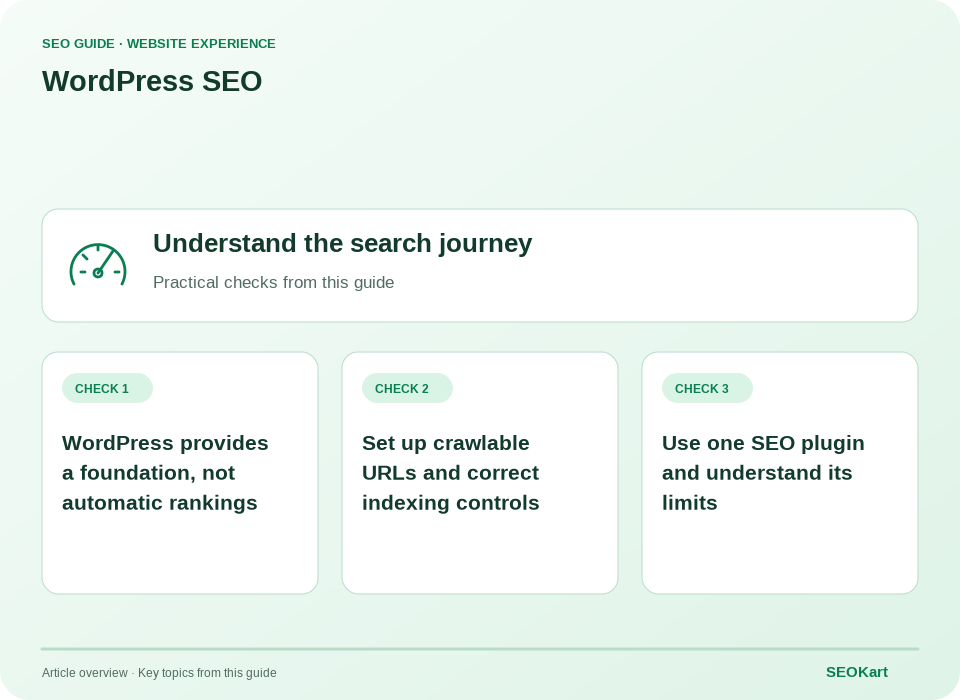
WordPress provides a foundation, not automatic rankings
WordPress can support strong organic visibility because it makes publishing, page templates and metadata manageable. But the platform does not automatically create useful content, earn trust or solve technical errors. A WordPress site with duplicate pages, poor navigation or slow templates can perform badly in search despite installing several SEO plugins.
Set up crawlable URLs and correct indexing controls
Choose descriptive permalink structures and use one consistent HTTPS hostname. Check Settings > Reading so search-engine visibility is not accidentally discouraged. Review robots directives, page-level noindex settings, canonical URLs and XML sitemap output after installing themes or plugins. Verify important pages in Google Search Console rather than assuming a green plugin indicator means Google indexed them.
Use one SEO plugin and understand its limits
A reputable SEO plugin can simplify titles, meta descriptions, canonical tags, schema and sitemaps. Avoid installing overlapping plugins that generate conflicting tags or duplicate schema. Preview the rendered HTML to confirm the expected title, canonical and robots instructions appear once. Plugins cannot substitute for research, editorial judgement or genuinely helpful service pages.
Build clear templates and internal links
Give each important page a descriptive H1, logical subheadings, accurate service details and a relevant call to action. Link between related guides, services, locations and case studies in the main content where useful. Review category and tag archives: empty or near-identical archives can create low-value indexable URLs. Follow the internal linking strategy guide for a practical approach.
Keep themes, images and plugins lightweight
Choose a maintained theme and remove unused plugins. Serve appropriately sized images in modern formats, use caching where supported and avoid loading large scripts on every page. Test real mobile layouts and measure LCP, INP and CLS before chasing a perfect lab score. Use the website speed checklist to prioritise the changes visitors will actually feel.
Maintain WordPress SEO after launch
Monitor crawl errors, page indexing, conversions and content freshness. Update WordPress core, themes and plugins with backups and a rollback plan; broken templates or accidental noindex settings can erase SEO progress. Recheck redirects and canonical tags after migrations. Sustainable WordPress SEO is a combination of useful content, accessible pages and reliable site maintenance.