A website migration can involve a new domain, hosting provider, CMS, URL structure or design. The SEO risk depends on what changes: moving hosts without changing URLs is different from replacing hundreds of indexed addresses.
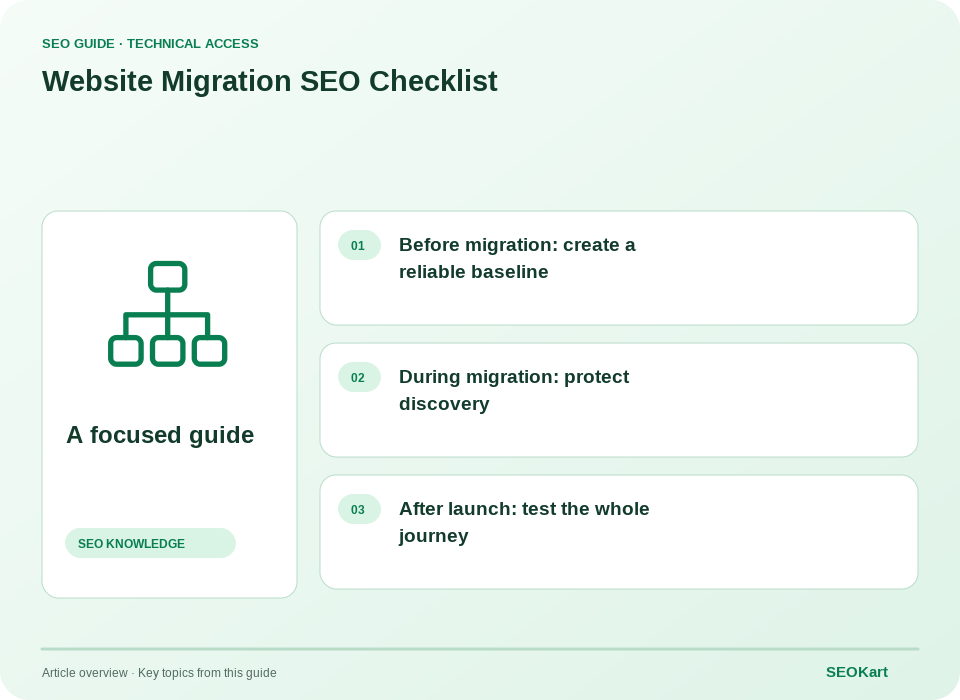
Before migration: create a reliable baseline
Export current URLs, canonical tags, indexability, organic landing-page performance and internal links. Crawl the current site and save its XML sitemap. Identify pages with backlinks, search impressions and business value.
Build a URL mapping
For every changed URL, identify its best matching destination. Keep existing slugs where they already describe the page accurately. Avoid mass slug changes without a clear benefit.
During migration: protect discovery
Implement direct server-side 301 redirects for moved URLs. Update internal links, canonical tags, structured-data URLs, navigation and XML sitemaps to use the new addresses. Preserve content that already meets user intent while improving weaker pages deliberately.
Check technical responses
Verify HTTPS, preferred hostname, robots.txt, status codes, pagination where relevant, mobile rendering and any staging noindex directives. Ensure staging restrictions do not carry into production.
After launch: test the whole journey
Crawl old URLs to confirm they reach the intended destination in one hop. Crawl new URLs to find broken links, incorrect canonicals and accidental noindex tags. Submit the new sitemap in Google Search Console and inspect representative pages. For more detail on this related topic, see How to Fix Googlebot Crawl Errors: Diagnosis and Solutions.
Monitor without overreacting
Track impressions, clicks, index coverage and server errors over subsequent weeks. Short-term volatility is possible, especially after large URL changes. Compare like-for-like periods rather than drawing conclusions from a single day. Before launch, use our canonical URL guide to check that redirects and canonical tags consistently identify the new preferred URLs.
SEOKart's SEO audit services and technical SEO services can help prioritise migration risks and validate launch readiness.