Plan useful SEO content hubs with clear pillar pages, contextual links, descriptive anchors and routes to relevant services.
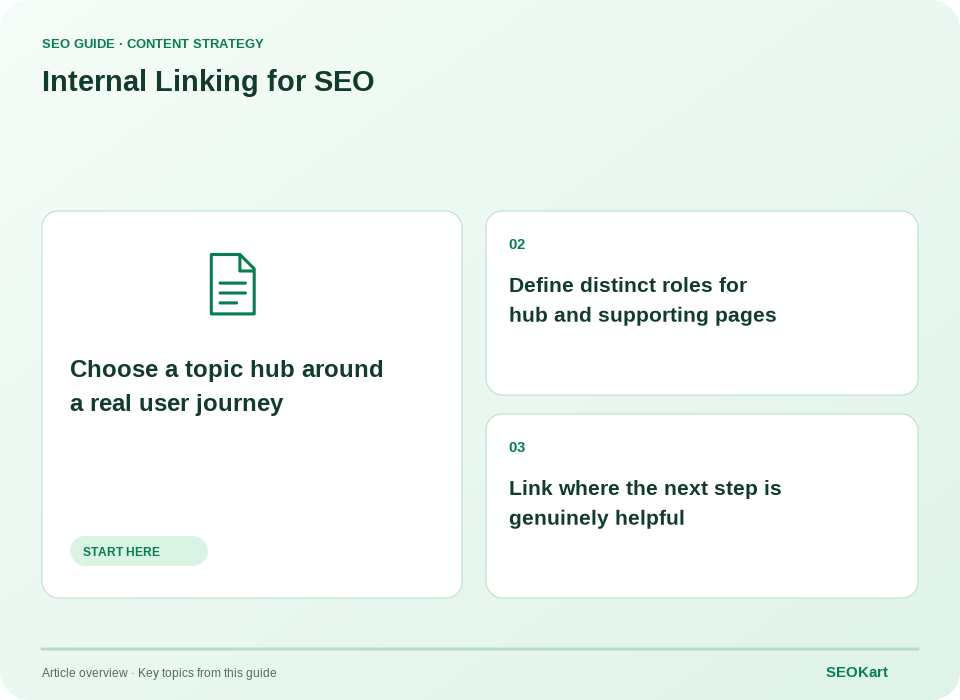
Choose a topic hub around a real user journey
A hub should help someone move from understanding a problem to comparing options and taking action. Identify one broad parent topic and the supporting questions that deserve their own articles. Avoid making a hub solely because a keyword tool suggests dozens of variants.
Define distinct roles for hub and supporting pages
The main page should orient readers and point to deeper resources. Supporting pages should answer specific questions thoroughly rather than repeat the same overview. If two articles serve identical intent, improve or consolidate them instead of cross-linking duplicate content.
Link where the next step is genuinely helpful
Place contextual links near the explanation that creates a need for further detail. For example, a guide discussing indexation can link to the XML sitemap guide or the canonical tags guide. Do not force every page to link to every other page.
Write anchors that describe destinations
Use concise descriptive anchor text such as “technical SEO checklist” rather than repeated generic phrases like “click here”. Avoid stuffing the same exact-match keyword into every link. Make links recognisable, keyboard-accessible and useful on mobile.
Connect informational articles to commercial pages
When a reader is ready for implementation, a relevant service page can be a natural next step. For example, a troubleshooting guide may link to technical SEO services if that page exists in the published site. Validate every destination before launch and do not send users to unrelated sales pages.
Audit link coverage as the site grows
Review orphan pages, broken links, excessive template links and navigation depth after major content updates. Check important hubs in a crawler and sample them manually. The internal linking strategy guide explains how to prioritise links for discovery and usability.