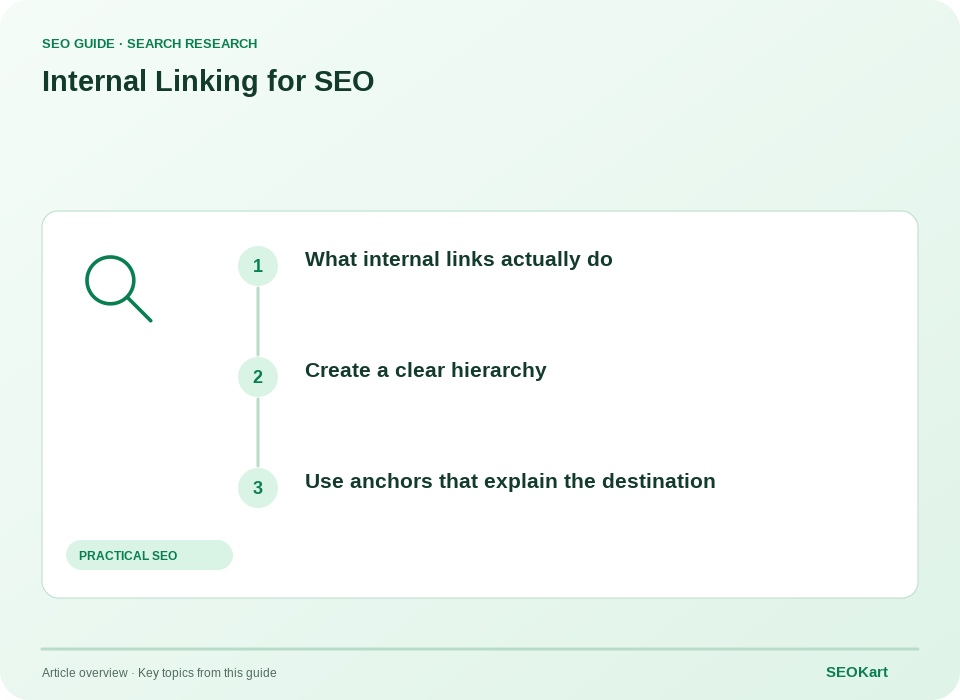
Learn how to connect service pages, location pages and articles with contextual links that help visitors and search engines.
What internal links actually do
Internal links connect pages on the same website. They help visitors discover related information and give search engines pathways to crawl important URLs. They also provide context through surrounding text and descriptive anchor wording. Links are not a substitute for good content, but a poorly connected site can bury its best pages.
Create a clear hierarchy
Start with the homepage, primary service categories and the most important commercial landing pages. Supporting guides should point readers toward relevant services when that next step is useful. Service pages can link to related case studies, FAQs and adjacent services; avoid turning every page into an indiscriminate directory. For more detail on this related topic, see Internal Linking for SEO: Building Useful Content Hubs.
Use anchors that explain the destination
A link labelled SEO services tells visitors what to expect. Generic anchors such as “click here” provide less context. Avoid forcing the exact same keyword into every link or adding links where they interrupt reading. Choose natural phrases and make sure the destination actually matches the promise.
Connect articles by topic, not by volume
An article about crawling can point to indexing, XML sitemaps or an SEO audit. A guide about lead quality might link to measurement and conversion pages. Topic clusters work when relationships are meaningful; linking every post to every other post creates noise rather than navigation. For more detail on this related topic, see Topical Authority in SEO: Build a Useful Content Strategy.
Audit orphan pages and broken paths
Export your URL inventory, inspect navigation and crawl the site to identify pages with no useful incoming links. Check for links to redirected URLs, 404s, duplicate canonical targets and pages that require too many clicks to reach. Update links to their final destination even when a 301 redirect exists.
Balance navigation with editorial links
Menus, breadcrumbs and footers help users move through the site, but links within explanatory paragraphs can be more specific. For multi-city businesses, link between locations only when the comparison is relevant, and ensure every location page has unique value. Review internal linking whenever a slug changes or a new service is added.