Understand how hosting affects SEO through uptime, response speed, crawl reliability, security and real user experience.
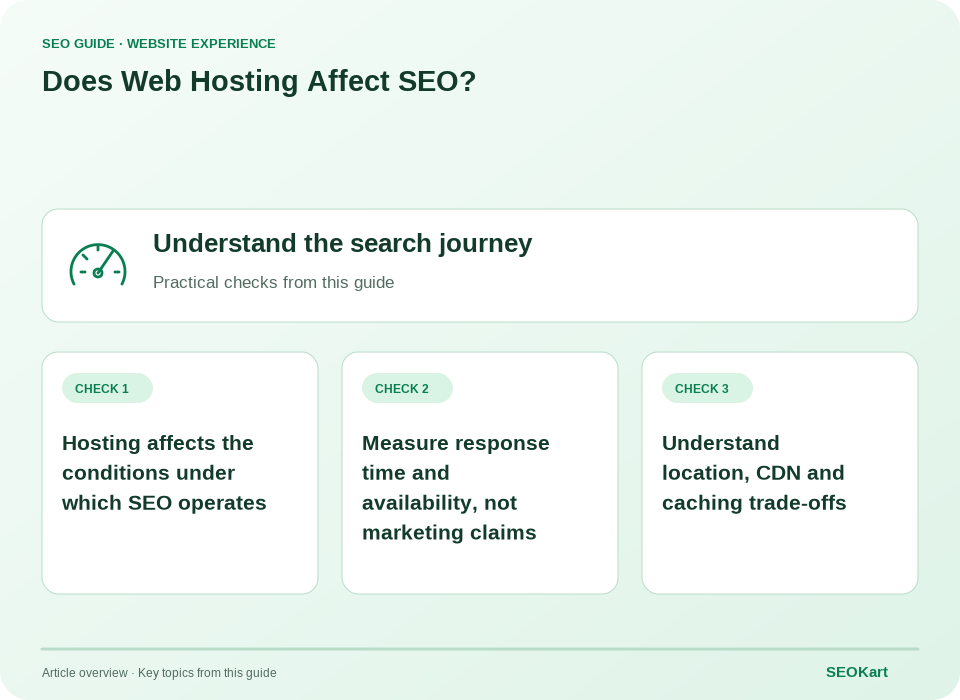
Hosting affects the conditions under which SEO operates
Hosting is not a shortcut to rankings, but unreliable infrastructure can prevent search engines and customers from accessing otherwise excellent pages. Frequent downtime, server errors and slow response times undermine crawling and usability. A fast server does not fix weak content, and a powerful plan is unnecessary if a well-configured modest plan meets the website’s real needs.
Measure response time and availability, not marketing claims
Review server response time under typical and busy conditions, uptime history and the frequency of 5xx errors. Test key pages rather than only the homepage, including forms and dynamic service pages. A site that loads quickly from cache but frequently times out for uncached requests still has an operational problem. Check logs and Search Console for patterns before blaming hosting.
Understand location, CDN and caching trade-offs
A server near your main customers can reduce latency, but a well-configured CDN may matter more than a small difference in data-centre location. Full-page caching, image delivery and compression often produce bigger gains than upgrading CPU alone. Ensure personalised or transactional pages are not cached incorrectly. Compare results using the Core Web Vitals guide.
Protect crawl reliability during traffic spikes
Monitor bandwidth, memory, CPU limits, concurrent requests and database response times. If the host throttles requests during bot activity or campaigns, visitors and Googlebot may encounter failures. Investigate repeated 429, 500, 502 and 503 responses in context; not every isolated error is a ranking problem, but recurring failures deserve attention.
Security and backups are operational SEO safeguards
Keep TLS certificates valid, maintain backups and apply security updates. Malware, hacked redirects and expired certificates can interrupt access and damage trust. A host should make restores and troubleshooting practical, but the site owner must still maintain software and configuration. See website migration SEO planning before moving providers.
Decide whether to upgrade using evidence
Track real-user speed, downtime, support response and resource usage over time. If pages are fast, stable and crawlable, migrating hosts solely for a higher advertised specification may introduce more risk than benefit. Prioritise fixing the actual bottleneck and measuring the outcome. Hosting supports SEO; it does not replace content quality or a clear conversion path.