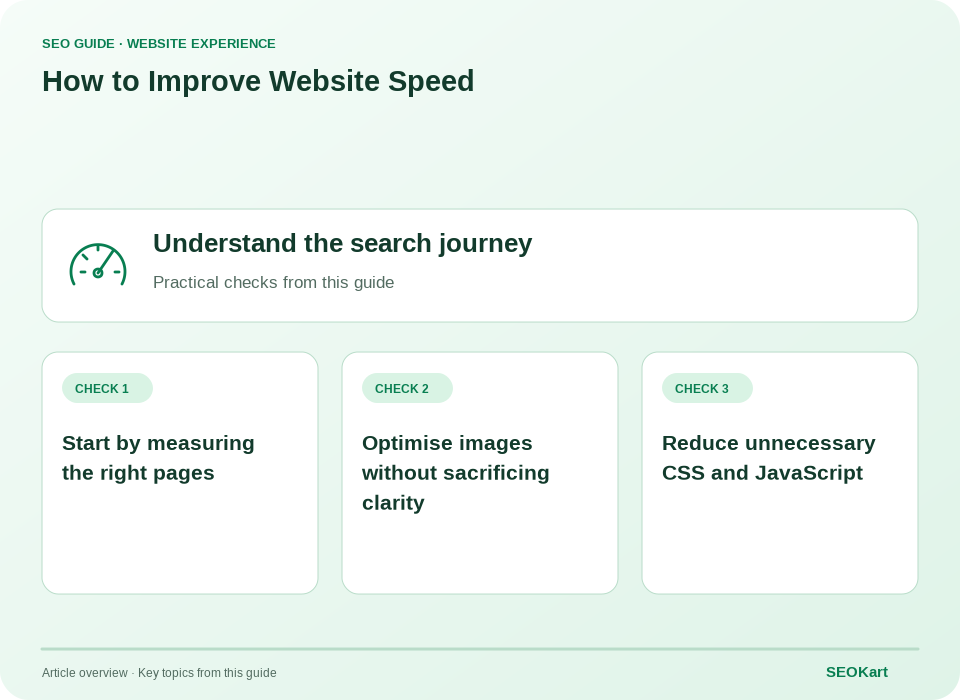
Speed up your business website with practical fixes for images, caching, scripts, hosting and mobile performance.
Start by measuring the right pages
Test the homepage, high-traffic service pages, important landing pages and conversion forms separately. PageSpeed Insights can highlight lab opportunities and available real-user data. Record baseline load behaviour and Core Web Vitals before making changes so you can tell whether each fix helped.
Optimise images without sacrificing clarity
Serve images at appropriate dimensions, use efficient formats and compress files sensibly. Prioritise the hero image when it is the largest visible element; lazy-load images farther down the page instead. Avoid downloading oversized desktop imagery for narrow mobile screens.
Reduce unnecessary CSS and JavaScript
Audit plugins, analytics tags, sliders, chat widgets and third-party scripts. Remove features that provide little value, defer noncritical work and avoid loading a large form library on every page when the form is rarely opened. Test menus, checkout and contact forms after each change to catch regressions.
Improve server response and caching
A slow origin server can delay every request. Check hosting resource limits, PHP or application processing time, database queries and cache configuration. Use page caching where appropriate and make sure logged-in or personalised content is not accidentally cached for other visitors. For more detail on this related topic, see Does Web Hosting Affect SEO? Speed, Uptime and Reliability.
Use a CDN and modern delivery carefully
A content delivery network can reduce transfer distance for static assets, but it cannot fix inefficient application code. Enable compression, review cache headers and avoid stacking conflicting optimisation tools. Confirm that canonical URLs, redirects and security challenges continue to work correctly.
Make mobile interactions feel fast
A page can appear loaded but remain difficult to use if scripts block taps and scrolling. Check navigation, accordions, product selectors and contact forms on real devices. Keep layout stable by reserving space for images and embedded content.
Monitor changes over time
Recheck key pages after theme, plugin and hosting updates. Use Core Web Vitals to track loading, responsiveness and stability, and review conversions alongside speed. If issues persist across templates, consider a technical SEO audit to identify root causes.