On-page SEO is the work you do on an individual page to help visitors and search engines understand its purpose. This checklist is designed for business owners reviewing service pages, product pages and articles—not for chasing arbitrary plugin scores.
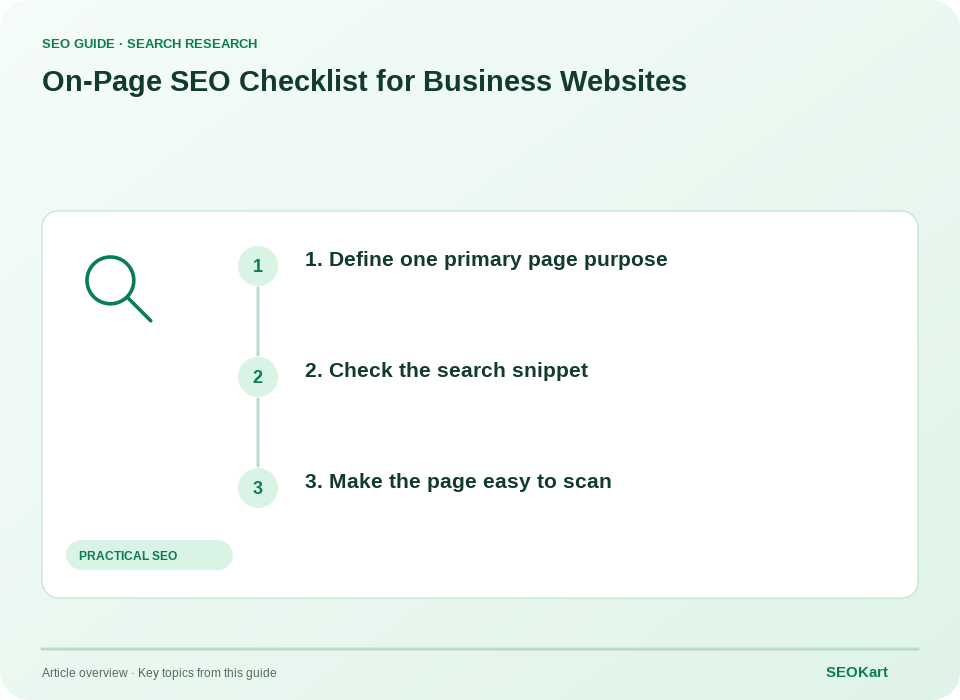
1. Define one primary page purpose
Write down the customer question or buying decision this page must satisfy. A service page should make the offer, target audience and next action clear; a guide should answer its question before promoting services. Compare the page format with the search results for its target query.
2. Check the search snippet
- Write a distinctive title that describes the specific page rather than repeating the same agency slogan everywhere.
- Write a useful meta description explaining what the visitor will find. Google may generate a different snippet.
- Use a readable, stable URL. Do not change an existing slug solely to insert another keyword.
3. Make the page easy to scan
Use one clear H1 describing the subject, then meaningful H2 and H3 headings for decisions, deliverables, examples and questions. Headings should organise the page, not serve as containers for repeated keyword variants.
4. Strengthen the actual answer
Explain what the service includes, what it excludes, who it suits, how delivery works and what a prospective customer should do next. For educational content, include accurate definitions, worked examples and limitations. Remove paragraphs that repeat the same claim without adding value. For more detail on this related topic, see Search Intent in SEO: Match Each Page to the Customer’s Goal.
5. Add useful internal links
Link to a closely related service or supporting guide at the point where it helps the reader. Use descriptive anchor text and avoid adding every city and industry link inside every paragraph. For example, an article about local rankings can naturally refer to local SEO services.
6. Review images and accessibility
Compress images appropriately, set dimensions where possible and write alternative text that describes meaningful imagery. Decorative graphics may use empty alt text. Check mobile reading, contrast, form labels and whether interactive elements work without a mouse.
7. Validate technical signals
Confirm the page returns HTTP 200, has the intended indexability, a self-referencing canonical when appropriate, and no accidental redirect loops. Structured data should reflect visible information and the page's actual type. For the implementation checks, see How to Improve Website Speed: A Practical SEO and UX Checklist.
8. Make the next step obvious
For commercial pages, provide a clear enquiry or quote action near the relevant offer. Explain timelines and pricing where they are genuinely available rather than promising rankings. Review form functionality on mobile.
9. Measure and revise
Use Google Search Console to examine impressions, queries and clicks by page. Low visibility may involve competition, indexing, site reputation or a mismatch between content and search intent; rewriting alone is not always the answer.
For a broader review covering crawlability, content quality and internal linking, see SEOKart SEO audit services.