Publishing a page does not guarantee it will enter Google's index. Search Console may report that a URL was discovered but not indexed, crawled but not indexed, or excluded because Google selected another canonical. Each status calls for a different investigation.
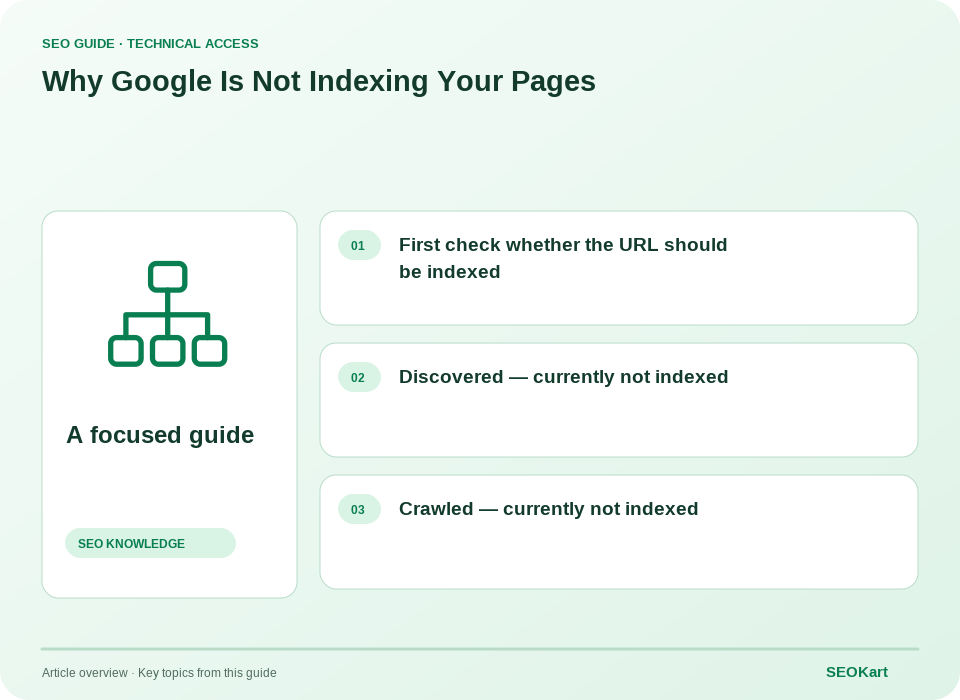
First check whether the URL should be indexed
Inspect the URL in Google Search Console. Confirm that it returns HTTP 200, is not blocked from crawling, has no unintended noindex directive and declares an appropriate canonical URL. Then check whether the page is already indexed under another address.
Discovered — currently not indexed
Google knows the URL but has not crawled it yet, or has not recorded a crawl in the report. Improve discoverability through relevant internal links and an accurate sitemap. Investigate server availability if important URLs remain unvisited.
Crawled — currently not indexed
Google fetched the page but did not include it in the index. Check whether the page offers distinctive information, matches a meaningful search intent and substantially differs from other pages on your site. Do not assume every such status is a content penalty. For more detail on this related topic, see How to Request Google Indexing in Search Console.
Google chose a different canonical
Inspect the Google-selected canonical and compare the two pages. If they are true duplicates, canonical consolidation may be correct. If a valuable landing page was grouped with an unrelated page, examine overlapping content, internal links and canonical signals.
Indexing is not the same as visibility
A page can be indexed and still receive no search impressions because it is not competitive or does not match the queries customers use. Use the Performance report to evaluate this separately from Page Indexing. Use our XML sitemap SEO guide to verify that your sitemap includes only the canonical URLs you want indexed.
What to fix first
Prioritise commercially important pages, broken internal links, incorrect canonical tags and pages that duplicate another URL's purpose. Avoid submitting the same unchanged page repeatedly. For a deeper investigation, see SEOKart's SEO audit services and technical SEO services.