If your website is not appearing for the searches that matter to your business, the first job is to establish which failure you are experiencing. A page that Google has not indexed needs a different fix from a page that ranks on page five, and both differ from a page receiving impressions but no enquiries.
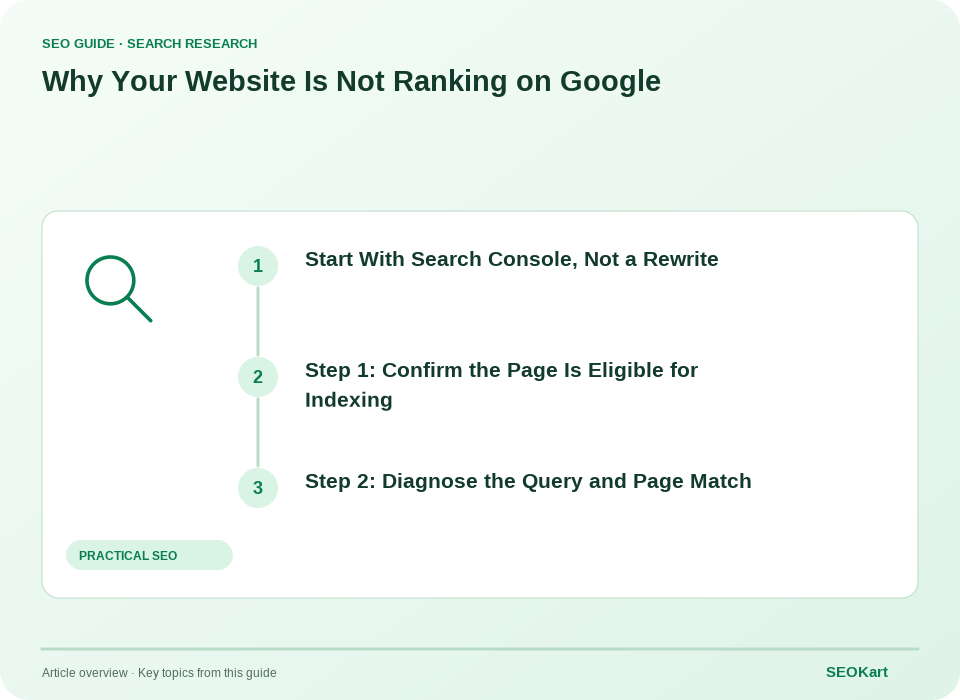
Start With Search Console, Not a Rewrite
Open Google Search Console and compare the last three months with the preceding period. Check the Pages, Queries and Search appearance views. Record the target URL, its indexing status, impressions, clicks and queries. Filter branded and non-branded searches separately so your own company name does not mask poor discovery.
Step 1: Confirm the Page Is Eligible for Indexing
Use URL Inspection on the exact canonical URL. Check the HTTP response, robots restrictions, noindex directives, selected canonical and sitemap inclusion. If Google has selected a different canonical, investigate duplication before changing the page's content. A discovered URL is not necessarily a quality failure; it may not have been crawled yet.
Step 2: Diagnose the Query and Page Match
A service landing page should answer buying questions: who the service is for, deliverables, process, pricing context, location served and how to enquire. A tutorial should explain a task. When an informational article targets a commercial query, or a sales page targets a how-to query, ranking can be difficult even when the writing is extensive.
Step 3: Look for Content Overlap
Multiple pages targeting the same service and location can compete with one another. Review their titles, H1s, opening paragraphs and Search Console query overlap. Decide whether each URL serves a distinct audience. Merge redundant pages only with a clear destination and a permanent redirect. For more detail on this related topic, see Why Google Is Not Indexing Your Pages: A Practical Diagnostic Guide.
Step 4: Test Technical Access and Internal Links
Verify that important pages load on mobile, return 200 responses, render readable main content and can be reached through ordinary HTML links. Review navigation, breadcrumbs, contextual links, and server logs for Googlebot access. Fix broken links and redirects that lead through multiple hops.
Step 5: Compare the Actual Search Results
Look at the pages currently appearing for your intended query. Note whether Google favours local businesses, product pages, comparison guides or informational resources. Identify useful information competitors provide that your page lacks; do not copy their text or assume longer content alone will win.
Step 6: Measure Changes Without Resetting Everything
Improve one page group at a time. Record the baseline, the date of changes and the intended query set. Allow for recrawling and fluctuations before judging outcomes. Changing every slug merely to make it new introduces redirects and does not guarantee better rankings. If your pages are indexed but attracting the wrong searches, revisit our search intent troubleshooting guide before rewriting them.
When Professional SEO Diagnosis Helps
For businesses with many indexed pages but almost no non-branded impressions, start with a technical and content SEO audit. Then prioritise the technical SEO fixes and content changes most likely to affect discoverability. SEOKart can assess the site and build a targeted improvement plan rather than promising rankings on a fixed date.