If your business is hard to find in local results, first establish where the visibility problem occurs. A Google Maps listing, a location landing page and a general organic result can each underperform for different reasons. A reliable diagnosis is more useful than changing everything at once.
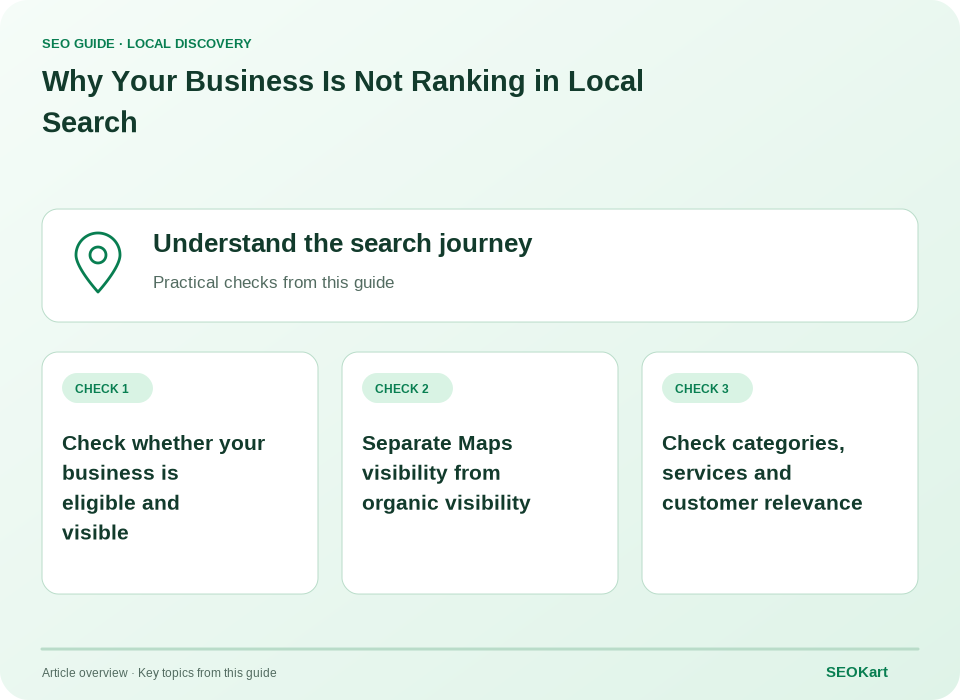
Check whether your business is eligible and visible
Search for the exact business name and inspect the associated Google Business Profile. Confirm verification status, accurate operating details and any restrictions. A suspended or ineligible profile needs a policy-compliant resolution before routine optimisation can help.
Separate Maps visibility from organic visibility
Test relevant service searches from several realistic neighbourhoods, rather than judging one screenshot. A listing may be visible near the business but not far away because proximity matters. Organic service pages can also appear independently of the Map Pack. See our local SEO fundamentals guide.
Check categories, services and customer relevance
Ensure the primary profile category describes the core business and that additional categories are accurate. Explain actual services on the linked website, using terms customers understand. Do not insert city names into the business name unless they are part of the genuine name. For more detail on this related topic, see Local Search Competition in Indian Cities: How to Assess Your Market.
Audit the linked page and technical access
Open the profile website link on mobile. Check that the page loads, has useful service information, makes location or coverage clear and provides a working contact route. Use Search Console to investigate excluded or inaccessible pages. Our indexing troubleshooting guide explains common issues.
Review reputation and business information
Look for inconsistent phone numbers, old addresses, duplicate profiles and unresolved customer concerns. Ask for genuine reviews without incentives, and respond constructively. These checks help customer confidence even when ranking effects are difficult to isolate.
Prioritise fixes and track qualified enquiries
Fix eligibility and technical problems first, then strengthen service relevance and trust. Measure calls, form submissions and lead quality alongside available profile metrics. If you serve several areas, review our multi-city location-page guidance or local SEO services.